CRM for Commercial Production

Where big ideas become finished productions

Turn your producers into strategic partners with a CRM that connects business development and production in one place.

One central system copper feature

Copper is trusted by commercial
production companies big and small

8pts logo
Animalz logo
Cake logo
Campfire logo
Daylight logo
Exit logo
Highdive logo
the sociable society logo
Pentagram logo
Planet Argon logo
Brand Good Time logo
8pts logo
Animalz logo
Cake logo
Campfire logo
Daylight logo
Exit logo
Highdive logo
the sociable society logo
Pentagram logo
Planet Argon logo
Brand Good Time logo
Copper helps production teams nurture relationships,
close the right projects
and keep every shoot on track.
Get started
  • Check markFree 14-day trial
  • Check markEasy to set up
  • Check markNo credit card required
Dashes

Manage every connection, from pitch to post and beyond

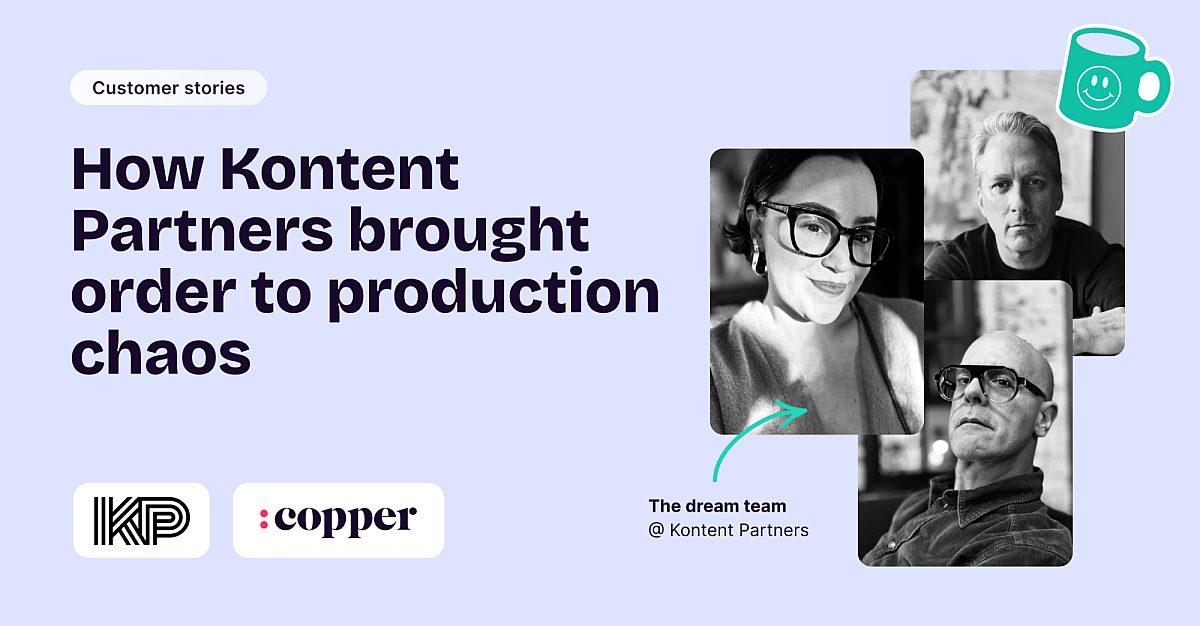
Copper's real superpower for us is connection. with Copper, and I knew that it could be built upon. We could use it to connect engagement, bidding and active project management, creating a full circle system.

McKenna Turner quote
Dashes

More creative time, less coordination time

With Copper, there was almost no setup time since it worked with Gmail. Plus, there were all these integrations that we could use right away. We were sold.

Chandler Navarette quote
Dashes

Get your team up and running in days, not weeks

Get started in a heartbeat.

Connect your team's Google Workspace account and get immediate access to a comprehensive history of all interactions with every client.
"It took us 3 months at HubSpot and it took us 3 days to get up and running at Copper. Copper is so much easier for a small team.”
Kelly Jennings
Studio Director
Exit Design
Dashes

Connect the tools you're already using

All your essential apps.

Copper's powerful integrations seamlessly connect with your favorite tools, unlocking a whole new level of functionality.

Learn more →
Timmy.io

Copper’s integration with Timmy.io brings your CRM and production tools together, so when things get busy (and they always do), you’re still in control.

Linkedin by Surfe

Surfe saves you time and improves your outreach by bringing Copper on top of LinkedIn.

Helpful resources

FAQs

Can Copper handle both winning new business and managing active productions in the same system, or do we still need separate tools for each?

Copper is built to connect your entire production workflow, from bidding and business development through active project delivery, in one place. You can run separate pipelines for new client outreach, active productions, and post-project follow-up, all within the same system and with all the relevant client history intact throughout. As Kontent Partners describes it, Copper connects engagement, bidding, and active project management into a full-circle system, eliminating the gap that typically exists between the business development and production sides of a company.

Our productions involve a lot of people (account managers, producers, creatives, and clients); how does Copper keep everyone on the same page without constant status meetings?

Copper's real-time activity feed gives every member of the team visibility into what's happened on each project and client relationship, automatically updated as emails are sent, meetings are scheduled, and tasks are completed. Because it syncs directly with Gmail, Google Calendar, and Google Drive, no one has to manually log activity or send a status update; the information is just there when anyone needs it. This means your account managers, producers, and creatives can all pull up a client or project record and immediately understand where things stand without chasing each other down.

A lot of our new business comes from repeat clients and referrals: how does Copper help us stay connected after a project wraps so we don't lose that momentum?

Copper lets you set up automated follow-ups and post-project check-ins so your team stays in touch with clients after delivery without it requiring manual effort. You can configure Copper to automatically send a wrap-up message, schedule a check-in call, or flag a client for a re-engagement outreach at any interval you choose, keeping your relationships warm between productions. This turns every completed project into a natural opening for the next brief, helping you grow existing client relationships rather than always starting from scratch.

We have briefs, approvals, scripts, contracts, and shoot files flying around everywhere: can Copper actually keep all of that organized and attached to the right project?

Yes, every email, meeting, file, brief, and approval that passes through Gmail, Google Calendar, and Google Drive is automatically captured and attached to the relevant contact or project record in Copper, without anyone having to manually organize it. Custom fields let you track production-specific details like shoot dates, deliverable formats, or approval status directly on each record. The result is a single, organized source of truth for every campaign, so no one has to dig through email threads to find the latest version of a script or confirm what a client approved.

How quickly can our team actually get up and running, given that we're always mid-production and can't afford a lengthy setup?

Copper is designed for fast adoption, particularly for teams already using Google Workspace. Because it connects directly to Gmail, Calendar, and Drive, your existing communication history surfaces automatically from day one; there's no need to migrate data or start from scratch. Setup is lightweight and intuitive enough that teams consistently report going from nothing to fully operational in days, not weeks or months. There's also a 14-day free trial with no credit card required, so your team can validate that it works for your workflow before committing.

Still have questions?
Learn more in our help center.

Get started for free

Take Copper for a spin first.
Pay and add your team later.